

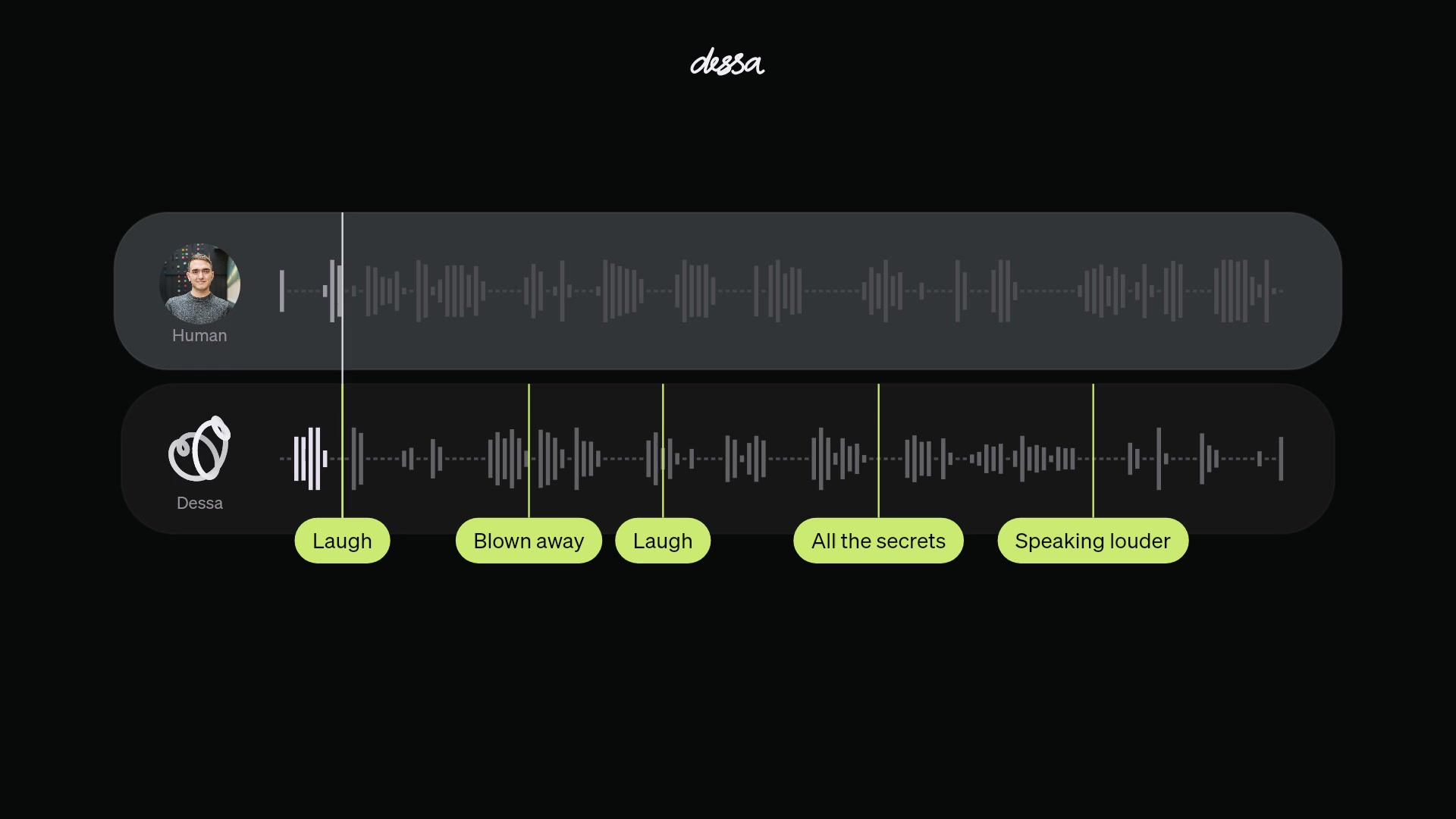
Dessa laughs, cuts in and reacts before the other person has finished talking. Jack Dorsey's Block unveiled the voice AI on October 23, with recordings that move from movie chat to a surprise anniversary trip. The pitch is a conversation that sounds less like waiting for a chatbot to take its turn.
There's plenty to listen to right now. The public release is a research preview with recorded conversations, while a small group of AI safety researchers is being offered early access to the model. Below, you can play short excerpts, choose what to listen for and watch screen recordings of the demo controls. You won't need an account or microphone to listen.
Start here: hear the difference yourself
Open a moment in the listening panel, press play, then replay it while watching the two speaker tracks. One belongs to the human, the other to Dessa. Try the laugh first. Then hear how the voice changes when the speaker asks it to get louder. Keep your device's volume steady for that comparison.
The interruption excerpt comes from a conversation about films. Listen for who has the floor and whether the exchange keeps moving when Dessa takes over. In the Paris clip, pay attention to the quiet reaction before the answer. Listen once on your own, then open the notes if you want pointers.
Hear it for yourself
Choose a moment. Listen first, then open the notes. Each clip has sound, subtitles and full-screen controls.
01Catch the laugh
Listen to the timing, not just the words.
What should I listen for?
Compare the two speaker tracks. The highlighted laugh arrives during the exchange, without a separate request to laugh.
02Follow the interruption
Listen for the point where Dessa takes a turn.
What should I listen for?
Watch the overlapping speaker tracks and the change in who has the floor. This is a continuous excerpt from the movie conversation.
03Ask it to speak up
Keep your own volume setting steady.
What should I listen for?
Compare the voice before and after the request. The source recording is preserved at its original speed; the clip has no added music or narration.
04Hear the surprise
Listen for the quiet reaction to Paris.
What should I listen for?
Listen for the quiet gasp and the softer delivery that follows.
Continuous excerpts from Block's published recordings. Original voices and subtitles; compressed for playback. Some source dialogue contains strong language.
Show me how to use the demo page
These silent screen recordings show the controls. Use the clips above for sound.
Desktop: jump between moments
Phone: choose a recording
These are continuous excerpts from the company's published recordings, with the original voices and subtitles. The walkthroughs are silent recordings of the website controls; the four demonstration clips have sound. Some of the source conversations contain strong language.
What is Dessa, exactly?
On its launch page, the team describes a speech-to-speech model. It takes in sound and produces sound, and its training approach is the main claim behind the release:
"We trained Dessa from scratch on nothing but human conversation."
The team says that means no text and no pretrained models. Along with words, it has had to learn the pauses, accents, breathing and changes in tone that come with spoken language. The same sentence can carry a different meaning when you stress a different word. A transcript gives you the words but leaves out some of that delivery.
Dessa is also full-duplex. In ordinary language, it can listen while speaking, rather than treating listening and talking as strictly separate turns. That makes room for interruptions and little responses such as saying "yeah" while somebody else continues. The important thing to notice in the recordings is when those responses arrive.
The lab is led by Ragavan Thurairatnam and reports directly to Dorsey, Block's cofounder, chairman and Block Head. Its founders came from the Toronto deep learning startup also called Dessa. The new model carries that name.
How to use the full demo page
Go to Block's Dessa page and scroll to the section headed "Let me listen...". Start with the release conversation. You'll see a portrait beside one waveform and Dessa's moving shape beside the other. The play control sits underneath, with the current position and total length beside it.
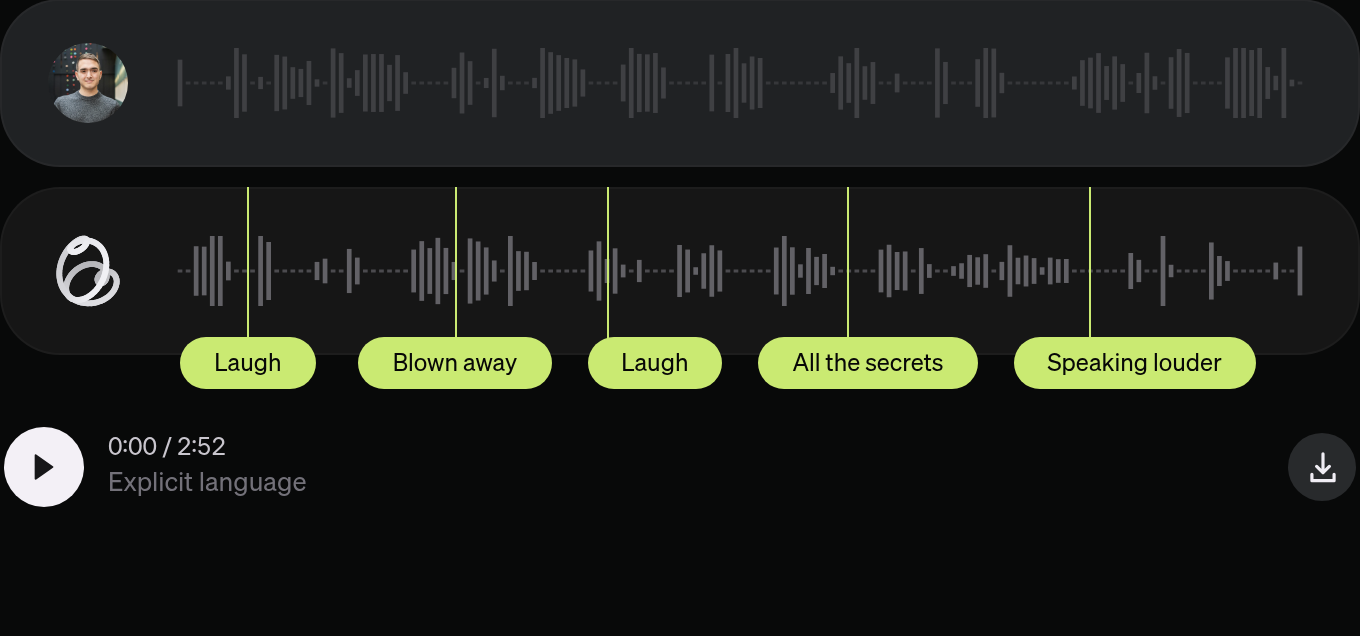
The green labels are shortcuts. "Laugh" jumps to that moment; "Speaking louder" moves further into the recording. Use them to compare a behavior without replaying the whole conversation. The playback position changes when you choose one. The two tracks make it easier to follow who is speaking when their voices overlap.
Next, scroll to the movie conversation. Its labels include "Remembering," "Taking a turn" and "Steering the chat." Start a little before the moment you're interested in so you hear what prompted the response. A well-timed interruption is easier to judge when you know what the other person was saying.
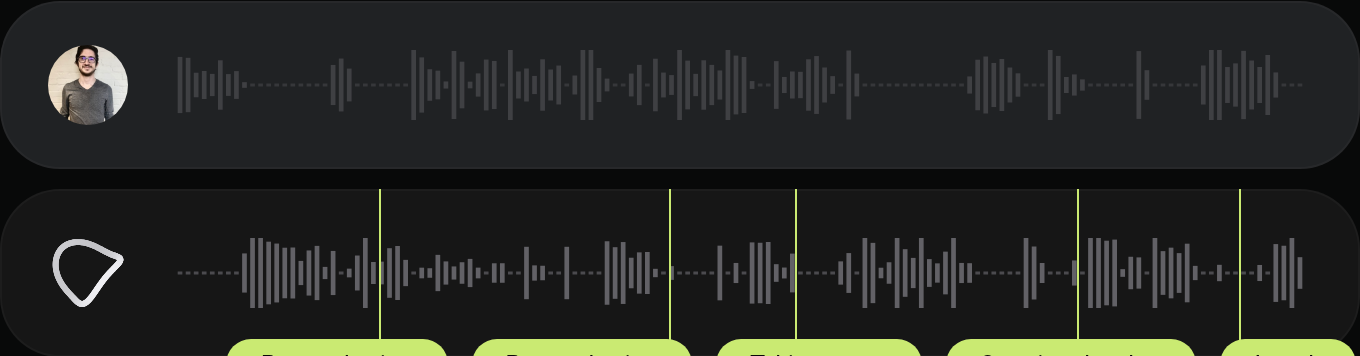
The screen recordings inside the listening panel show this on desktop and a phone. Expand "Show me how to use the demo page" to find them. They cover selecting a moment and moving between recordings, so you can follow the controls before opening the original site.
Other recordings cover life advice, a surprise anniversary announcement and a conversation with GPT-Live-1. In that last example, both voices are AI-generated. The page says the other model's developer is not affiliated with Block and hasn't reviewed or endorsed Dessa. Treat that exchange as a demonstration, rather than a controlled ranking of competing products.
Can you download it and have your own conversation?
The public page currently provides the recordings. It describes local operation on a MacBook Pro M4 Max or better, but doesn't provide a working public model download or installation guide. Don't buy a computer on the assumption that visiting the page will give you the software.
The early-access route is aimed at safety researchers. Its application asks for a name and institutional email, with a Google Scholar or blog link optional. Filling it in is a request for access. The team says it wants researchers to find risks it hasn't anticipated; the page doesn't promise that every applicant will be accepted.
Block also says it trained Dessa on one Nvidia GB200 NVL72 system. That's substantial hardware: Nvidia describes the machine as a liquid-cooled rack containing 72 Blackwell GPUs and 36 Grace CPUs. Training the model and running the finished model are different tasks, which explains the separate claim about a laptop handling local use.
What should you make of the human voice?
Being able to interrupt an AI isn't new on its own. When OpenAI introduced its Realtime API in October 2024, it already described direct audio streaming and automatic interruption handling. Dessa's speech-only training claim is the more specific thing to examine, alongside how well its timing works across conversations.
The launch samples are selected examples. They give you something useful to hear, but don't establish how consistently the model handles unfamiliar accents, background noise, incorrect assumptions or a person in distress. A laugh or a voice that sounds grateful also doesn't establish that a model feels those emotions.
Safety is one of the team's stated reasons for building it. Its concern is that an increasingly capable assistant could miss a person's distress if it fails to pick up the emotion in their voice. As the team puts it:
"Imagine being in serious pain while a voice AI has no idea and just keeps going."
That's a concrete problem for outside researchers to test. Can the model recognize distress reliably? Can it respond appropriately when the speaker's words and tone point in different directions? For now, the demo lets you judge the sound and timing for yourself. A broader assessment will need access to the model and tests that go beyond the conversations chosen for launch.